
 Español
  English


When selecting a contact card chip, consider two key questions: How much data does the card need to store? What level of protection do these data or credentials require? These two requirements point to different types of chips.
Simply defaulting to the chip with the largest storage capacity or the highest security level is often not the best solution. Doing so may increase costs and development complexity without improving the application’s effectiveness. Therefore, the selection process can follow this sequence:
Data Requirements → Storage Architecture → Security Requirements → Application Architecture → Contact Card Chip
The following sections discuss how to select a contact card chip based on storage and security requirements.
Selecting a Contact Card Chip Based on Card Storage Requirements
When selecting a chip based on storage requirements, focus on the content to be stored and how often it changes, not just storage capacity. Contact smart chips offer a wide range of storage capacities, from a few hundred bytes of EEPROM to several hundred kilobytes of secure application storage; however, these storage types serve vastly different purposes.
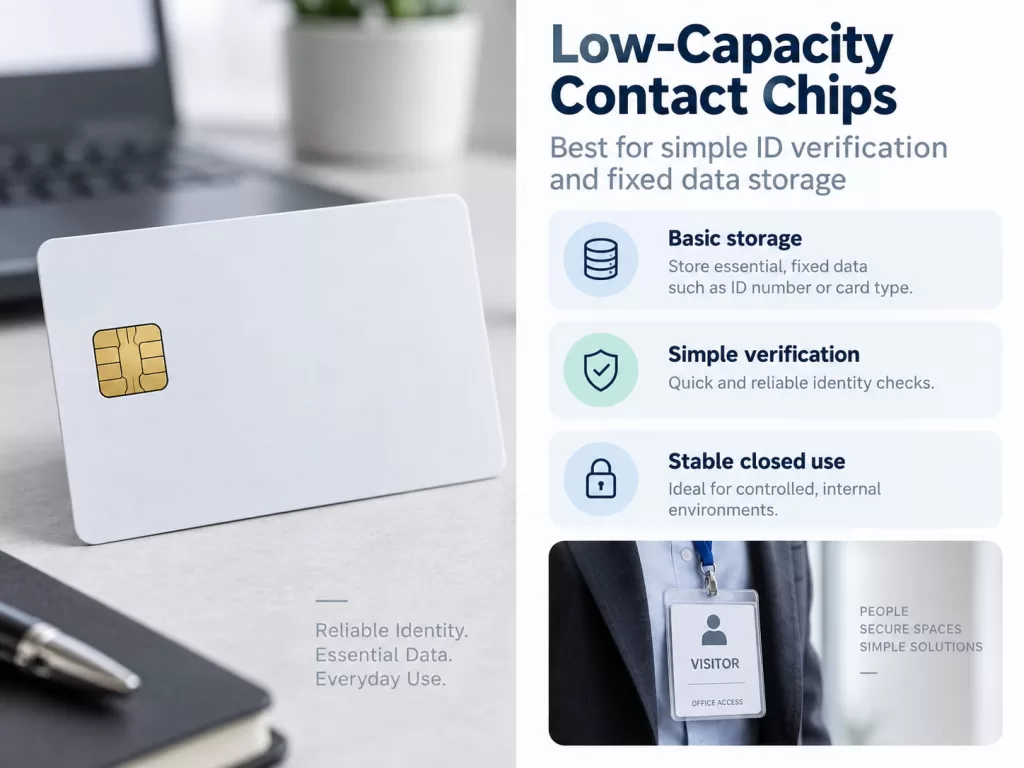
Low-Capacity Contact Chips: Suitable for Simple Identity Verification and Fixed Data Storage
For simple application scenarios, memory-based contact cards often meet requirements.
For example, the FM4442 series of memory chips provides 256 bytes of EEPROM, a 32-bit protected area, and control over data modification via a programmable security code. The FM4428 series offers increased storage capacity of approximately 1 KB.
The FM4442 and FM4428 chips are ideal choices when cards are primarily used to store the following information:
- User or member ID;
- Card identifier;
- Basic account parameters;
- Access permission levels;
- Small configuration records.
Therefore, for cards that only need to carry fixed identifiers and a small amount of application data, a 256-byte chip is entirely sufficient. Its main advantage lies in its simplicity and ease of use. The card reader accesses predetermined storage locations directly, so the system does not require an operating system or custom applets.
Larger-Capacity Storage Solutions Are Required When Application Requirements Become More Complex
When a card needs to store more than simple identifiers, storage requirements increase accordingly. Examples include multiple data records, certificates, application-specific files, user preferences, and more.
In these cases, buyers must decide whether to continue using memory cards or upgrade to a CPU-based smart card solution.
One of the most obvious distinctions is:
| Application Requirement | Typical Storage Direction |
| ID number + basic fields | 256 B memory class |
| Larger fixed data records | 1 KB or similar memory class |
| Protected application logic | CPU smart card |
| PKI certificates + private keys | Java Card / secure CPU card |
| Multiple applets | Higher-capacity Java Card |
| Future application expansion | Java Card with memory reserve |
For large-scale projects, capacity planning should consider more than just raw user data. Manufacturers should estimate the total of the following:
Applet code + Persistent application data + Certificates and keys + System overhead + Space reserved for future use
The appropriate storage capacity tier depends on the application’s overall resource consumption, rather than the maximum values listed in the chip’s specifications.
Aligning the Security Architecture with Actual Threats
Once the storage method has been determined, the next question is: What kinds of threats must contact-based smart cards guard against? This is where the difference between a protected storage chip and a Java Card becomes particularly important.
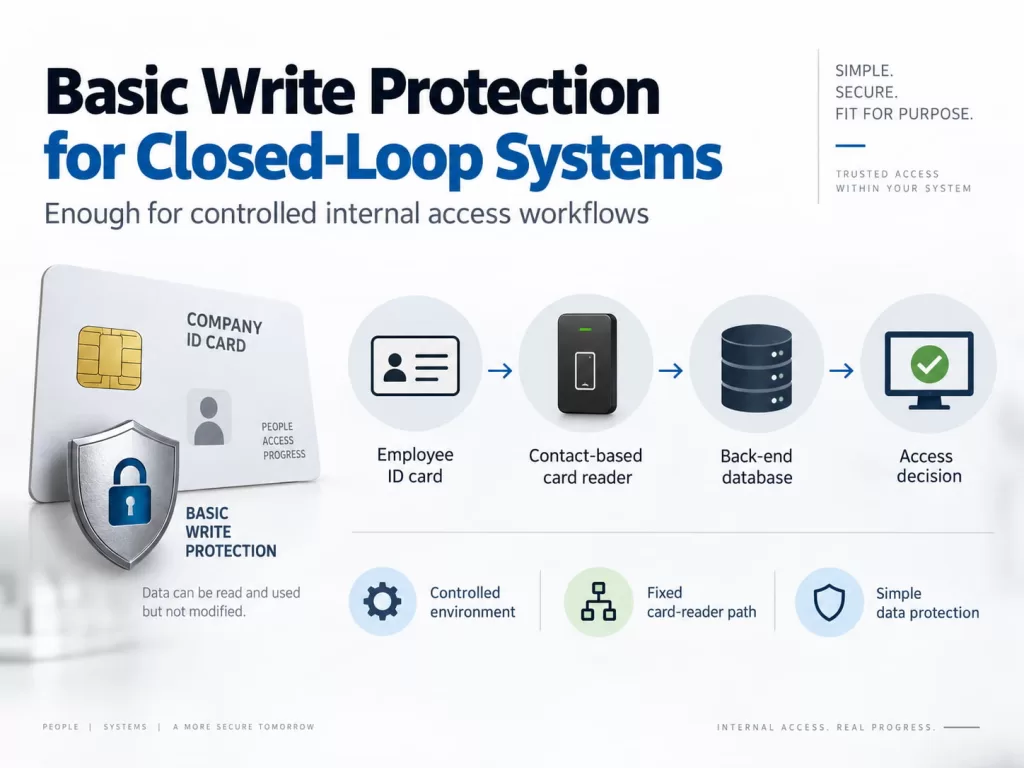
For Certain Closed-Loop Systems, Basic Write Protection Is Sufficient
Some applications primarily need to prevent accidental or unauthorized modifications. For example:
Employee ID card → Contact-based card reader → Back-end database → Access decision
In this architecture, the card may carry only an identifier, and the secure back-end system determines whether the user has access privileges. Therefore, a storage chip with password or security code authentication, retry-counter protection, and permanent write protection is sufficient to meet these requirements.
For example, contact-type memory cards such as the SLE4428 offer 1 KB of EEPROM, byte-level irreversible write protection, and a two-byte programmable security code.
Security Requirements Should Be Clarified Before Selecting a Contact card chip
Before recommending a chip, categorize the application’s security requirements.
| Security Requirement | Recommended Direction |
| Prevent accidental data modification | Memory chip |
| Password-controlled writing | Logic-protected memory chip |
| Permanent fixed data | Memory chip with write protection |
| Challenge-response authentication | Secure CPU card |
| Protect private keys | Java Card |
| PKI / digital signature | Java Card |
| Multiple secure applications | Java Card |
| Secure post-issuance app management | Java Card + GlobalPlatform |
This prevents both insufficient specification and unnecessary over-engineering.
Guide to Selecting Contact Card Chips: Balancing Storage and Security Requirements
When selecting contact card chips, evaluate storage and security requirements together.
We have summarized the decision-making process for each category in the table below:
| Project Requirement | Storage Need | Security Need | Recommended Contact Card Chip Type |
| Membership / simple ID | Low | Basic | 256 B memory chip |
| Attendance / closed-loop access | Low | Write protection | 256 B–1 KB protected memory chip |
| Stored application parameters | Low–Medium | Password-controlled modification | Logic-protected memory chip |
| Enterprise authentication | Medium | Cryptographic | Java Card |
| PKI credential | Medium | High | Java Card |
| Digital signature | Medium | High | Java Card |
| Government identity | Medium–High | High | Higher-security Java Card |
| Multiple secure applications | High | High | Higher-capacity Java Card |
If the requirements primarily involve storing small amounts of data and controlled writing, a “protected memory chip” is typically the more efficient choice. If the requirements include encryption keys, PKI, digital signatures, secure authentication, support for multiple applications, or full lifecycle management, “Java Card” provides a more suitable security architecture.
Therefore, the correct selection principle is very clear:
Select contact smart card chips based on the application’s storage and security requirements, not solely on storage capacity, chip generation, or price.